駕馭低空經濟:建造可擴展的無人機空域UTM

UTM 如何讓低空無人機作業更安全、更具可擴展性,從資料共享和授權到衝突管理和空中交通管理整合。
You pick up your phone to answer one message. Twenty-five minutes later, you are still scrolling, now reading something you never planned to open. The same pattern happens during breakfast, between tasks, in bed, and in the five quiet minutes that used to belong to nothing in particular.
A tech detox does not have to mean deleting every app, buying a basic phone, or disappearing for a week. A more useful definition is a deliberate reduction in digital input so that technology returns to a supporting role instead of automatically filling every pause. The goal is not “zero screen time.” The goal is more choice.
That distinction matters because the evidence does not support a simple claim that less screen time automatically produces dramatic improvements for everyone. A 2025 meta-analysis of randomized trials found that restricting social media produced a small average improvement in subjective well-being, with meaningful variation across studies. A separate randomized trial among 110 Chinese college students found that simply recording daily phone use for two weeks reduced phone-use time and mobile-phone-dependence scores, but that narrow sample should not be generalized to every adult. In other words, behavior can change, but a good tech detox should be measured by your own sleep, focus, mood, relationships, and ability to choose when to be online.
Research also suggests that bedtime use deserves special attention. A 2025 cross-sectional study of more than 122,000 U.S. adults found that daily electronic-screen use before bed was associated with later bedtimes, poorer self-reported sleep quality, and slightly shorter sleep duration. Because the study was observational, it cannot prove that screens caused those outcomes, but the pattern is consistent with practical sleep guidance from the U.S. Centers for Disease Control and Prevention, which recommends turning off electronic devices at least 30 minutes before bedtime.

The easiest first step is to collect a baseline. Do not change anything yet. For three ordinary days, note your total phone screen time, your top three apps, how often you pick up or unlock the device if that metric is available, and the times when usage spikes.
Also write down the context. Did you open social media because you were bored between meetings? Did you read news because you felt anxious? Did video apps expand into an hour because you were too tired to start a harder task? Screen-time numbers are useful, but the trigger is often more actionable than the total.
Android’s Digital Wellbeing dashboard can show screen time, app openings, and notification counts, and it supports app timers and Focus mode. Apple’s Screen Time provides similar usage reports and app limits. If you work on Windows, Microsoft’s Focus feature can temporarily reduce notifications and taskbar distractions. These tools are most useful as feedback systems, not as moral scoreboards.
Official references: Google Digital Wellbeing, Apple Screen Time, and Microsoft Focus.

A detox works better when it serves something you actually want. Choose one outcome for the next week. Examples include: “I want to be off my phone for the first 30 minutes after waking,” “I want one uninterrupted hour for deep work,” “I want dinner to be phone-free,” or “I want a screen-free wind-down before bed.”
Avoid starting with an extreme target such as cutting six hours of phone use to one hour overnight. Large reductions can work for a short challenge, but they often fail to survive ordinary work, family, navigation, banking, messaging, and authentication needs. A smaller rule attached to a specific time or place is easier to remember.
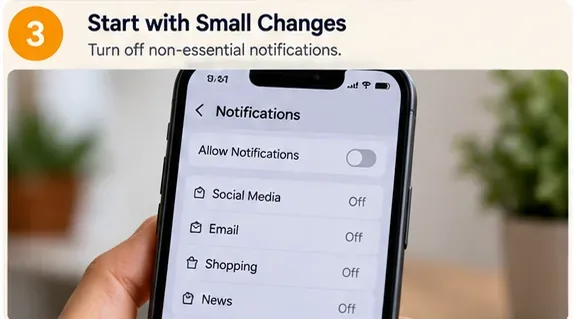
Most people try to solve digital overload by relying on willpower while leaving every alert, badge, vibration, email banner, shopping promotion, breaking-news notification, and group-chat ping active. Reverse the order. Reduce the number of times the device asks for your attention.
Keep notifications that are genuinely time-sensitive: calls from important contacts, calendar reminders, security alerts, transportation updates, or work messages that truly require immediate response. Silence promotional alerts, most social notifications, news pushes, shopping apps, game reminders, and anything you routinely dismiss without acting.
If you are on call for work, caregiving, or emergencies, use exception lists rather than shutting everything off. Apple Focus, Android Modes/Do Not Disturb, and Windows Focus all allow some form of scheduled quiet period or controlled interruptions.

Once interruptions are quieter, change the physical environment. Pick two places where the default becomes “no phone in hand.” Good candidates are the dining table, bedroom, bathroom, reading chair, workout space, or a particular desk used for focused work.
臥室尤其值得一試。美國疾病管制與預防中心建議,為了養成良好的睡眠習慣,睡前至少30分鐘應關閉電子設備。如果你的手機同時也是鬧鐘,你仍然可以盡量拉開距離:把它放在房間的另一邊、臥室外,或是放在床上搆不到的架子上充電。
不要將所有睡眠問題都歸咎於螢幕使用。睡眠受多種因素影響,包括壓力、作息時間、咖啡因、疾病、藥物、睡眠環境。如果睡眠問題持續存在,美國疾病管制與預防中心建議諮詢醫療保健專業人員。
請參閱美國疾病管制與預防中心關於健康睡眠的指導意見以及 2025 年關於睡前使用電子螢幕與成人睡眠的原始研究。

如果你仍然習慣於某些應用程式自動打開,那就盡量減少它們的使用便利性。首先,可以嘗試設定應用程式內建的計時器。然後,嘗試將應用程式移出主畫面、每次使用後登出登入、刪除裝置中儲存的密碼、停用自動播放(如果可用),或使用行動網頁版而不是應用程式。
Android 的「數位健康」功能可讓你設定每日應用程式使用計時器,並在「專注模式」下暫停選定的應用程式。 iPhone 的「螢幕使用時間」功能可以設定應用程式使用限制和停用時間。這些控制功能並非無法更改——這也沒什麼問題。關鍵在於,它能讓你有機會決定是否真的要繼續使用某些應用程式。
一個有效的檢驗方法是:額外的步驟是否會讓你問自己「我為什麼要打開它?」 如果會,那麼這種阻礙就起到了作用。

戒掉一個習慣後,會留下一個空缺。如果你不決定用什麼來填補這個空缺,手機通常又會回到你身邊。選擇那些適合你一天中相同時刻的替代品。
美國疾病管制與預防中心(CDC)的壓力管理指南包括:多花時間在戶外、寫日記、進行放鬆活動、進行體能活動以及與信任的人交流。這些方法都不需要你放棄科技產品;它們只是在你需要休息或與人溝通時,為你提供了更多選擇。
參考資料:美國疾病管制與預防中心關於壓力管理的指導意見。

現在進入更難的部分:抽出半天、一個晚上或一個週末的時間,大幅減少非必要的螢幕使用時間。不要把它當作一場「純潔性測試」。如果需要,手機可以用來查看地圖、購票、打電話給家人、進行雙重驗證或查看安全資訊。規則可以很簡單:“不看資訊流、不收發工作郵件、不隨意瀏覽網頁。”
在斷網開始前,告知那些可能期望快速回覆的人。下載車票或路線指南,記下重要的電話號碼,並決定如何處理照片、付款和緊急情況。做好準備可以避免斷網帶來不必要的困擾。
研究並未顯示每個人都需要完全戒除社群媒體。一篇2025年發表的統合分析,納入了32篇隨機對照試驗文章和5544名參與者,發現限制使用社群媒體對主觀幸福感有輕微的平均改善,但並非普遍有效。不妨將較長的戒斷期作為實驗:觀察哪些事情變得更容易,哪些事情變得更難,以及你真正想念哪些線上活動。
研究參考文獻:社群媒體限制隨機試驗的薈萃分析。

成功的科技戒斷不僅體現在螢幕使用時間的減少。一週結束後,將你的基準數據與變化情況進行比較。除了查看總螢幕使用時間和最常用的應用程式之外,還要回答以下問題:
一個簡單的測量策略得到了一些實驗的支持。在2025年一項針對中國110名大學生的隨機對照試驗中,連續兩週每日記錄手機使用情況的參與者,其手機使用時間和手機依賴程度均低於對照組。儘管這項研究規模較小且針對特定人群,但它支持了「測量本身可以成為一種有效的干預手段」這一觀點。
原創研究:《科學報告》對每日手機使用情況進行記錄的試驗。

如果你週一停用所有應用,週四再重新安裝所有應用,這說明的並非「斷捨離」毫無用處,而通常意味著你之前的計畫依賴太多同時進行的限制。
| 問題 | 調整 |
|---|---|
| 你覆蓋了所有應用程式的定時器。 | 將應用程式移出主畫面、登出登入或僅在桌面端使用,這樣開啟應用程式就需要更多步驟。 |
| 工作需要用到手機。 | 創建工作和個人專注模式,並允許例外情況,而不是試圖完全離線。 |
| 你因為疲憊而不停地刷手機。 | 降低目標,選擇一些輕鬆的替代活動,例如聽音樂、伸展運動、淋浴或短途散步。 |
| 你擔心錯過緊急訊息。 | 將特定人員加入白名單,或允許重複撥打電話,同時將其他所有來電靜音。 |
| 你的睡眠狀況沒有改善。 | 如果睡前不使用電子螢幕的規則對你有幫助,那就堅持下去,但也要考慮其他睡眠因素,如果問題持續存在,請尋求醫療建議。 |
最有效的科技戒斷最終會以有意識地重新引入一些科技產品而告終。你可能會覺得保留與朋友聊天的功能,而放棄觀看演算法推薦的影片。你可能喜歡在散步時聽播客,但又想享受一頓沒有手機的晚餐。你可能需要社群媒體來工作,但更喜歡在電腦上發佈內容,並卸載手機上的應用程式。
那不是戒斷失敗,而是關鍵。在高度互聯的世界裡,真正實用的技能並非永久斷網,而是能夠選擇何時連接網絡、什麼值得你關注,以及何時應該讓安靜的時刻保持寧靜。
UTM 如何讓低空無人機作業更安全、更具可擴展性,從資料共享和授權到衝突管理和空中交通管理整合。
A practical tech detox plan to reduce digital overload, protect sleep and focus, and build healthier screen habits without abandoning useful technology.
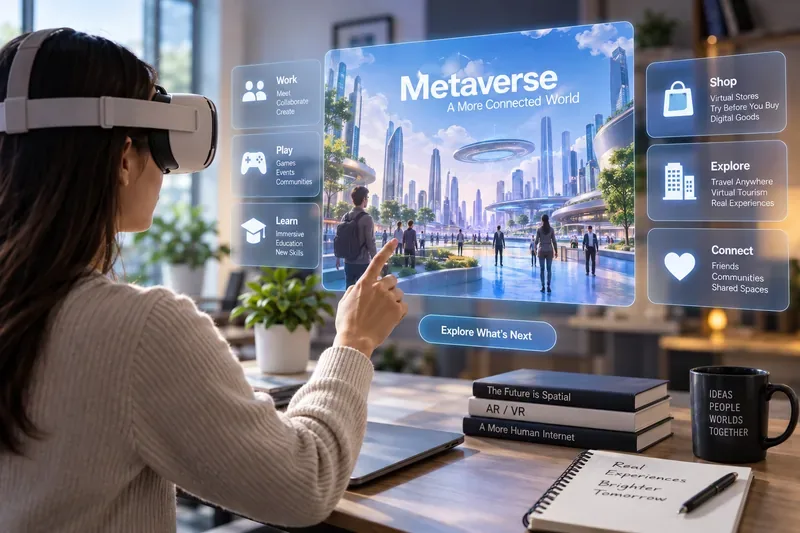
2026年,AR和VR將再次興起,但不會以舊式的元宇宙形式出現。讓我們來看看混合實境、空間運算和AI眼鏡將如何融入其中。
了解人工智慧在醫療保健領域面臨的倫理困境,包括偏見、隱私、同意、透明度、問責制和人工監督。
探索 Web3 如何透過代幣化、穩定幣、智能合約、監管和現實世界的應用,在 2026 年重塑數位經濟。
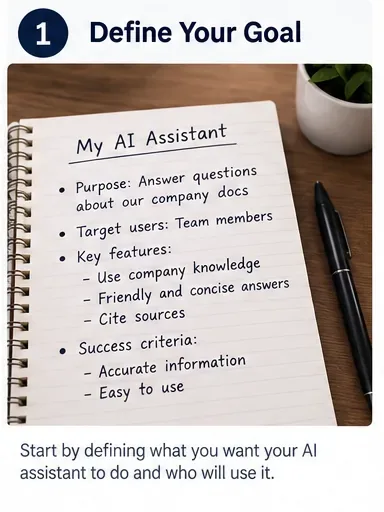
使用 Python 建立您的第一個自訂 AI 助手,清晰的說明,一個安全的工具,記憶體、測試和部署指導,適合初學者。
這是一份冷靜、實用的指南,介紹了 2026 年秋季影響網路安全的威脅,明確指出了各種威脅的後果、預警信號、升級點以及每種防禦措施的局限性。
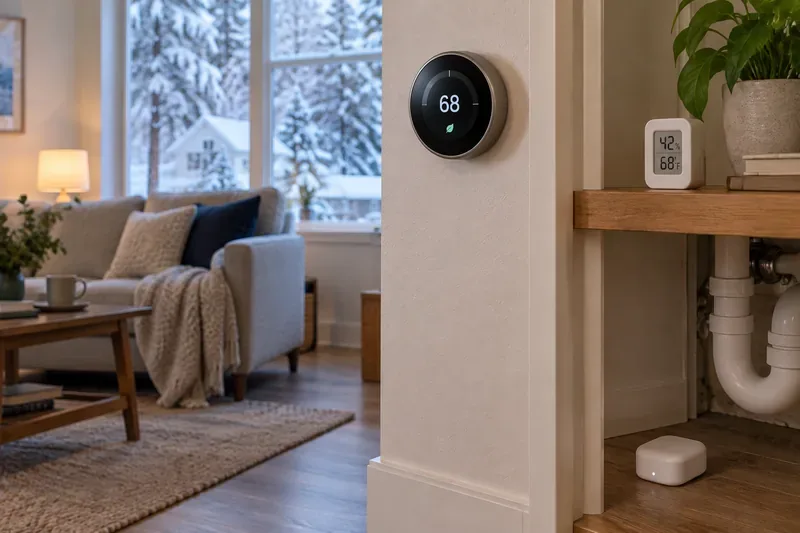
在冬季來臨之前,優先考慮安裝智慧恆溫器、洩漏感測器、一氧化碳警報器、濕度監測器和可靠的連接,並確保每次升級都能有明顯的跡象表明其有效。
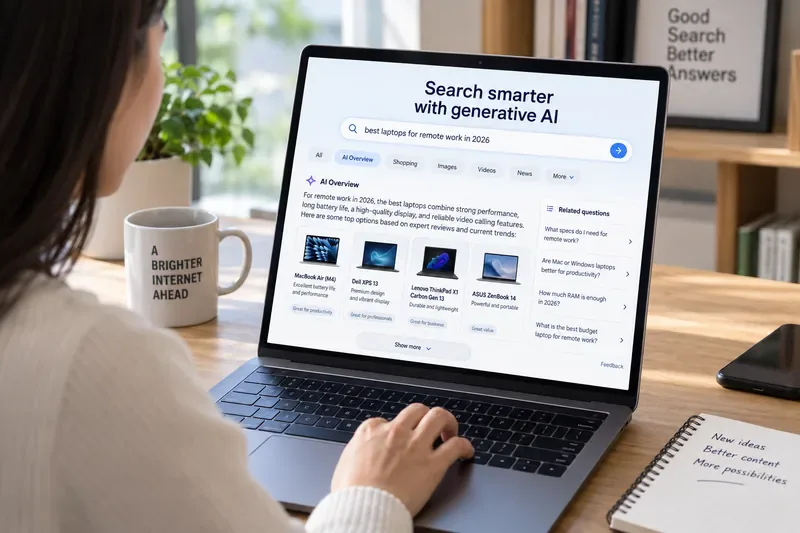
生成式人工智慧正在將搜尋轉變為集答案、驗證和行動於一體的流程。了解2026年將發生哪些變化,以及用戶和發布商應該如何適應。
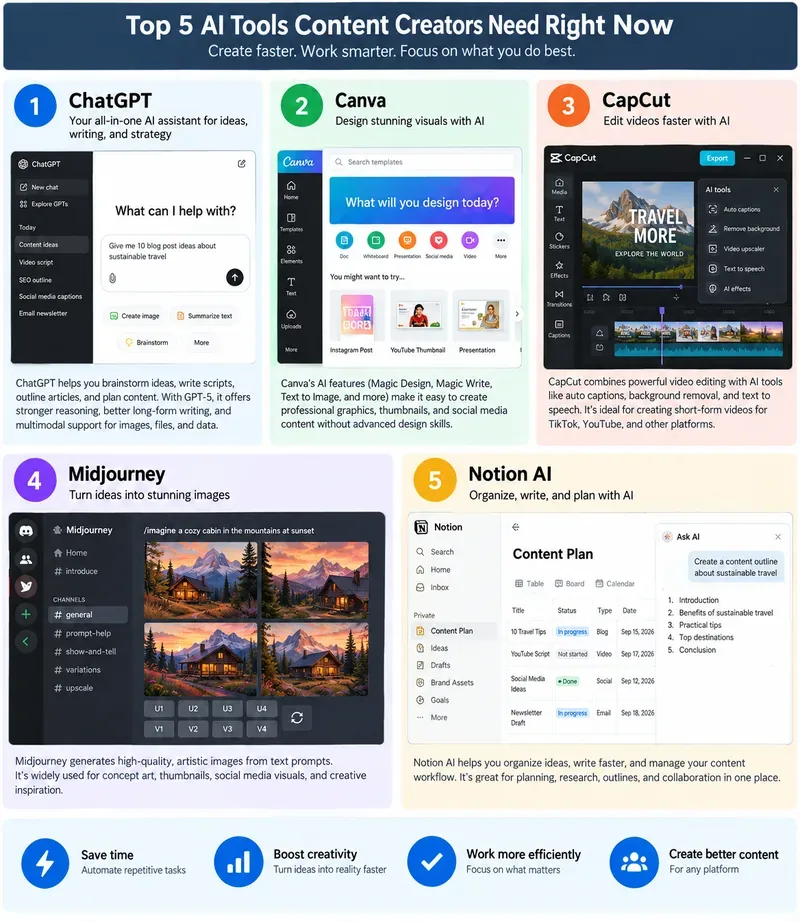
目前值得創作者關注的五款 AI 工具:ChatGPT、Canva、CapCut、Midjourney 和 Notion AI,並附上實際應用案例和限制。